Key takeaways
- Video telematics combines camera footage with data such as time, location, speed, and driving events so fleets can review incidents and coach drivers with more context.
- A dash camera, driver-monitoring system, GPS telematics platform, and advanced driver assistance system (ADAS) are related but distinct technologies. Product capabilities vary.
- Alerts and video can support a safety program, but they do not guarantee fewer crashes, better driving, lower insurance costs, or protection from legal claims.
- Useful results depend on accurate event detection, human review, fair coaching, clear driver policies, appropriate privacy controls, and consistent follow-through.
- Before rollout, test camera coverage, false alerts, connectivity, retrieval speed, data retention, access permissions, integrations, and the workflow for reviewing events.
What Is Video Telematics?
Video telematics connects vehicle cameras with telematics data and a software platform. Depending on the system, a recorded event may include road-facing or in-cab video along with time, GPS location, vehicle speed, acceleration, braking, cornering, and other supported data.
This combination can help a fleet answer questions that a single data point cannot. A harsh-braking alert may reflect distraction, following distance, traffic, a pedestrian, or another vehicle’s action. Video provides context for human review; it should not be treated as an automatic finding of fault or misconduct.
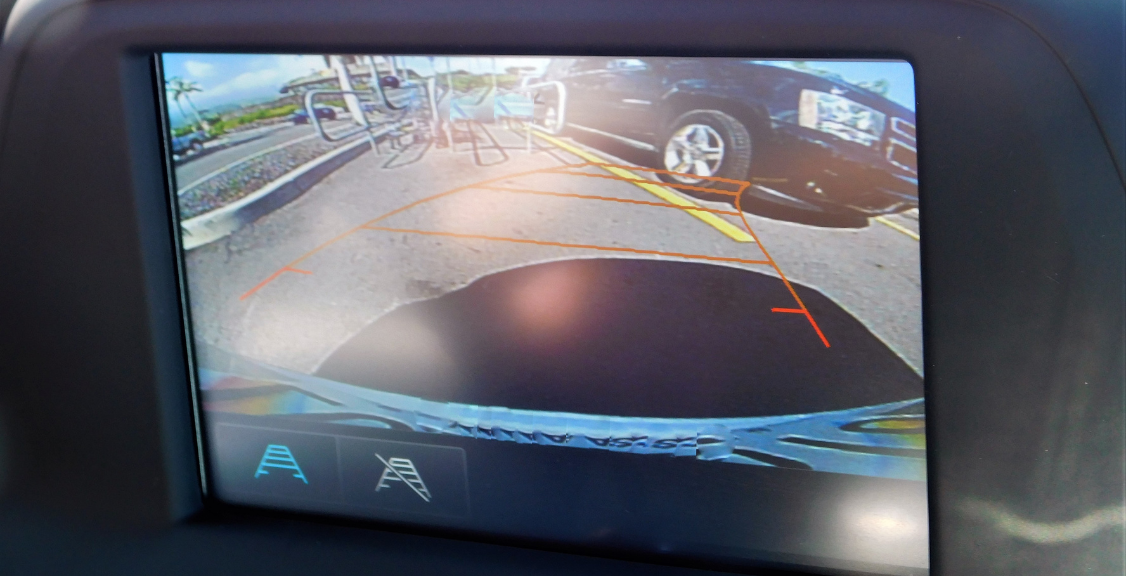
Video Telematics, Dash Cameras, DMS, and ADAS
These terms are often used interchangeably, but they describe different functions.
- Dash camera: Records a view inside or outside the vehicle. Some models store footage locally, while connected models can upload clips. A standalone camera may not include GPS, vehicle data, event analytics, or fleet workflows.
- Video telematics: Connects camera footage with telematics data, event detection, remote retrieval, alerts, and fleet-management tools. It is a platform category rather than a single standardized feature set.
- Driver-monitoring system (DMS): Uses an in-cab camera or other sensors to estimate conditions such as visual distraction, phone use, seat-belt use, eyes off the road, or possible drowsiness. Detection accuracy and available alerts vary, and flagged events require context and review.
- Advanced driver assistance system (ADAS): Uses vehicle sensors and controls to warn the driver or assist with parts of the driving task. Examples include forward-collision warning, lane-departure warning, lane-keeping assistance, blind-spot intervention, and automatic emergency braking. NHTSA explains that these are driver-assistance technologies; the driver remains responsible and attentive.
- GPS telematics: Collects location and supported vehicle or engine data without necessarily including video. Learn more about GPS tracking.
A product may combine several of these functions. For example, a video-telematics camera might issue a lane-departure alert, but that does not make it equivalent to a factory ADAS feature that can steer or apply the brakes. Confirm whether an advertised feature records, warns, coaches, or controls the vehicle.
Camera Types and Coverage
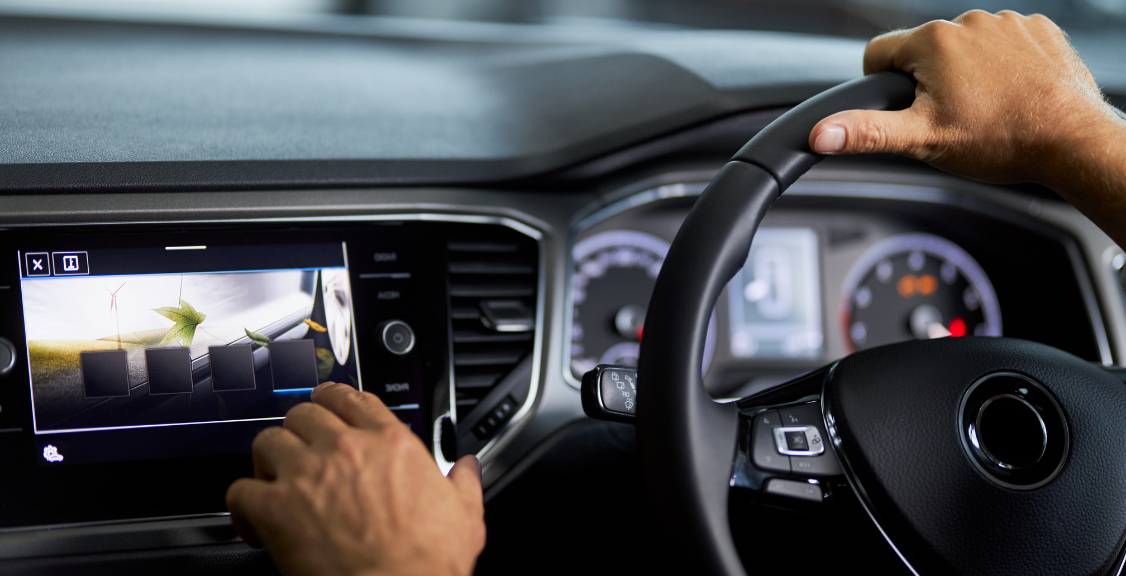
- Road-facing cameras: Capture traffic, lane position, signals, road conditions, and actions visible in front of the vehicle.
- Driver-facing cameras: Capture the cab and may support DMS features. Their use requires careful policies for notice, access, retention, and appropriate review.
- Dual-facing cameras: Record the road and cab to provide two perspectives around the same event.
- Side, rear, or cargo cameras: Add coverage for blind areas, backing, loading, passengers, or cargo where the hardware and installation support those uses.
Camera coverage has limits. Lens placement, glare, darkness, weather, vibration, dirt, obstruction, frame rate, audio settings, and upload quality can affect what a clip shows. A recorded angle may clarify an event without capturing every contributing factor.
How Video Is Captured and Retrieved
- Continuous recording: Records for an extended period, usually overwriting older footage according to storage capacity and retention settings.
- Event-triggered recording: Saves clips around detected events such as hard braking, rapid acceleration, a possible collision, or a supported camera-analysis alert.
- Driver-initiated capture: Allows a driver to mark an event using a button or approved interface where supported.
- Remote retrieval: Lets authorized users request footage from a connected device, subject to connectivity, storage, and product limits.
Event labels are starting points for review. Thresholds can generate false positives, miss events, or misclassify normal defensive driving. Fleets should measure alert accuracy and review context before using an event for coaching or discipline.
How Video Telematics Can Support Fleet Safety
Incident Review
Time-aligned video and telematics data can help reconstruct the sequence visible to the system, identify additional records to preserve, and support internal or insurance review. Footage may support or contradict an allegation, but it does not automatically determine legal liability, prove every fact, or protect a fleet from a claim. Preserve relevant material according to applicable policy and legal requirements, and avoid editing or selectively presenting clips in a misleading way.
Event-Based Coaching
Reviewed clips can make coaching more specific. Instead of discussing a harsh-braking count alone, a manager can examine following distance, traffic, road conditions, and whether the driver took reasonable evasive action. Effective coaching should distinguish preventable risk from appropriate defensive driving.
In-Cab Alerts
Some systems can alert drivers to supported conditions such as following distance, lane position, phone use, speeding, or possible drowsiness. Availability and accuracy depend on hardware, configuration, road conditions, mapping data, and the model used. An alert may prompt attention, but it does not guarantee that the driver will respond or that a collision will be avoided.
Safety Trend Analysis
Aggregated, validated events can help a fleet identify recurring conditions by route, location, vehicle, shift, or event type. A trend should lead to investigation rather than an automatic conclusion. Road design, schedules, vehicle condition, workload, and alert configuration may contribute alongside driver behavior.
Driver Performance and Fair Coaching
Video telematics can provide evidence for coaching, but a camera does not improve performance by itself. A defensible program uses consistent rules and qualified review.
- Define the behaviors or operating risks the program is intended to address.
- Set event thresholds and test them with representative vehicles, routes, and conditions.
- Have trained reviewers validate clips before assigning responsibility.
- Give drivers a way to provide context and challenge inaccurate events.
- Coach promptly and consistently using specific, observable behavior.
- Track a limited set of measures over time and review whether the intervention changes them.
- Revisit thresholds, training, and policies when false alerts or unintended incentives appear.
Scorecards and rewards can support engagement, but they can also encourage the wrong behavior if metrics ignore exposure and context. Compare like operations, explain how scores are calculated, and avoid treating an automated score as a complete measure of a driver’s skill or safety.
Claims, Insurance, and Operating Costs
Video may help a fleet investigate an incident, respond to a claim, or provide additional context to an insurer. It does not guarantee exoneration, a favorable legal outcome, or lower premiums. Insurance pricing and claims decisions depend on the insurer, policy, loss history, jurisdiction, evidence, and other factors.
Video footage itself does not optimize routes or fuel use. Those functions generally come from fleet-management and GPS telematics features that may be integrated with the camera platform. Any savings depend on the available data, workflow, baseline, and actions taken.
Privacy, Security, and Driver Communication
Vehicle systems may collect sensitive video, audio, precise location, and driving-behavior data. The FTC has highlighted the privacy risks associated with connected-vehicle data. Fleets should review applicable employment, labor, biometric, surveillance, consent, notice, evidence-preservation, and privacy requirements with qualified advisors.
- Tell drivers what is recorded, when recording occurs, why data is used, and who can access it.
- Collect and retain only what supports a defined business purpose.
- Use role-based access, strong authentication, audit logs, encryption, and documented export controls.
- Set retention rules for routine footage and a separate process for preserving relevant incidents or claims.
- Review vendor subcontractors, data locations, deletion practices, breach response, ownership, and post-contract data return.
- Decide whether audio is necessary and lawful before enabling it.
Choosing a Video Telematics System

- Coverage: Identify which road, cab, side, rear, passenger, or cargo views are actually needed.
- Alert behavior: Test detection quality, latency, false positives, false negatives, sensitivity controls, and whether alerts distract drivers.
- Storage and retrieval: Confirm local storage, cloud retention, overwrite behavior, clip length, upload limits, connectivity, and retrieval time.
- Evidence handling: Review timestamps, export formats, access logs, chain-of-custody controls, watermarks, and the ability to preserve original files.
- Privacy and security: Examine permissions, authentication, encryption, retention, deletion, and vendor access.
- Integration: Verify compatibility with the fleet’s GPS, maintenance, dispatch, safety, and identity systems.
- Installation: Check power, camera placement, visibility, vehicle compatibility, tamper detection, and maintenance procedures.
- Support: Confirm training, replacement timelines, warranty terms, escalation paths, and service availability.
- Total cost: Include cameras, installation, subscriptions, cellular data, storage, accessories, support, replacements, and integration work.
Geosavi’s video telematics guide provides additional evaluation context.
Run a Pilot Before Fleetwide Deployment
A pilot should include representative vehicles, drivers, routes, lighting, weather, and connectivity conditions. Define what success means before installation. Measures might include alert precision, time to retrieve footage, coaching completion, repeated validated events, system uptime, driver feedback, and administrative workload.
Compare the pilot with a documented baseline, review both missed and incorrectly flagged events, and involve drivers in evaluating the workflow. Expand only after the fleet understands the technology’s limitations, privacy obligations, and operational demands.
Use Video as Part of a Safety System
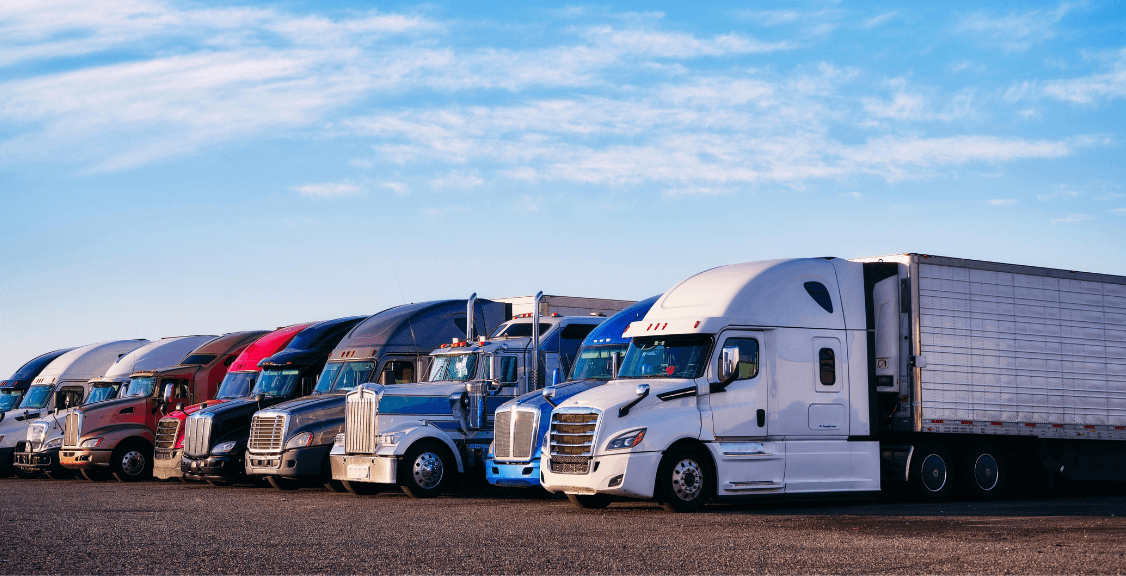
Video telematics is most useful when it adds context to a broader safety process. Cameras and analytics can surface events, while managers and drivers provide judgment, coaching, maintenance, scheduling, policy, and follow-through. ADAS and other vehicle systems may add warnings or intervention, but each technology should be evaluated for the function it actually performs.
Discuss Your Fleet’s Camera and Data Needs
Geosavi can help evaluate camera coverage, telematics integration, installation, retention, and coaching workflows. Contact Geosavi to discuss your vehicles, operating conditions, and safety objectives.