Key Takeaways
- FMCSA has removed 79 ELD devices from its registered list since January 2025, including 12 devices removed in a single action on May 20, 2026. Carriers using those 12 devices have until July 20, 2026 to replace them or face citations and out-of-service orders.
- Using an unregistered ELD is an automatic violation under 49 CFR 395.8(a)(1) and can trigger an immediate out-of-service order at a roadside inspection.
- Motor carriers face maximum civil penalties of up to $19,246 per HOS violation, and drivers face up to $4,812 per violation, per the FMCSA penalty schedule under 49 CFR Appendix B to Part 386. These are maximum civil penalty amounts adjusted annually for inflation.
- HOS violations rose from 410,000 in 2023 to more than 500,000 in 2025, according to RigDig data cited by Overdrive in April 2026.
- ELD records must be retained for a minimum of six months under 49 CFR 395.8(k)(1). Your provider must guarantee retrieval throughout that period.
- If your ELD malfunctions, your driver must switch to paper logs and your fleet has eight days to repair or replace the device under 49 CFR 395.34(d)(1).
- CVSA’s 2026 International Roadcheck ran May 12 to 14, 2026, with ELD tampering as the driver focus. Falsification of records of duty status was the second most-cited driver violation in 2025, at 58,382 violations, according to CVSA’s 2026 Roadcheck announcement.
- At adoption of the ELD mandate, FMCSA projected it would prevent 1,844 crashes, 562 injuries, and save 26 lives per year, according to FMCSA’s own published estimates.
Introduction
Picking an ELD for your fleet feels like it should be straightforward: you check a box, plug in a device, and move on. The reality in 2026 is far more complicated, with FMCSA having removed 79 devices from its registered list since January 2025, and carriers using a removed device have 60 days to replace it before citations and out-of-service orders begin. That changes the calculation on every purchase decision your fleet makes.
There is no shortage of ELD options on the market, and hundreds of devices are currently registered with FMCSA. Most of them meet the legal floor, but meeting the legal floor and being genuinely useful to your drivers and your back office are two different things. HOS violations rose from 410,000 in 2023 to more than 500,000 in 2025, according to RigDig data cited by Overdrive in April 2026. Many of those violations do not happen because drivers are trying to cheat. They happen because the device in the cab makes correct logging harder than it should be.
Before you spend money on hardware or sign a service contract, it is worth working through each decision point carefully: registration status, device type, features that matter to your operation, contract terms, driver usability, and what happens when something goes wrong. Whether you manage one truck or fifty, those same factors apply.
Who Is Required to Use an ELD?
Any interstate commercial motor vehicle driver required to maintain a Record of Duty Status under 49 CFR Part 395 must use a registered ELD. The mandate covers vehicles with a gross vehicle weight rating over 10,001 pounds in interstate commerce, vehicles carrying hazardous materials in quantities requiring placarding, and certain passenger-carrying vehicles. Fleet size has no bearing on the requirement.
There are specific exemptions worth knowing before you assume the mandate applies to every vehicle in your fleet. CDL drivers operating within a 150-air-mile radius who return to their home terminal each day and meet all conditions under 49 CFR 395.1(e)(1) are exempt. Drivers of vehicles with engines manufactured before model year 2000 are exempt under 49 CFR 395.8(a)(1)(iii). Drivers using paper logs for eight days or fewer in any 30-day period qualify under 49 CFR 395.8(a)(1)(ii). If you run local routes, our ELD requirements guide for local drivers covers the short-haul exemption in detail. For box truck operations, the box truck ELD guide covers vehicle-specific requirements.
What Does FMCSA Registration Actually Mean for Your Fleet?
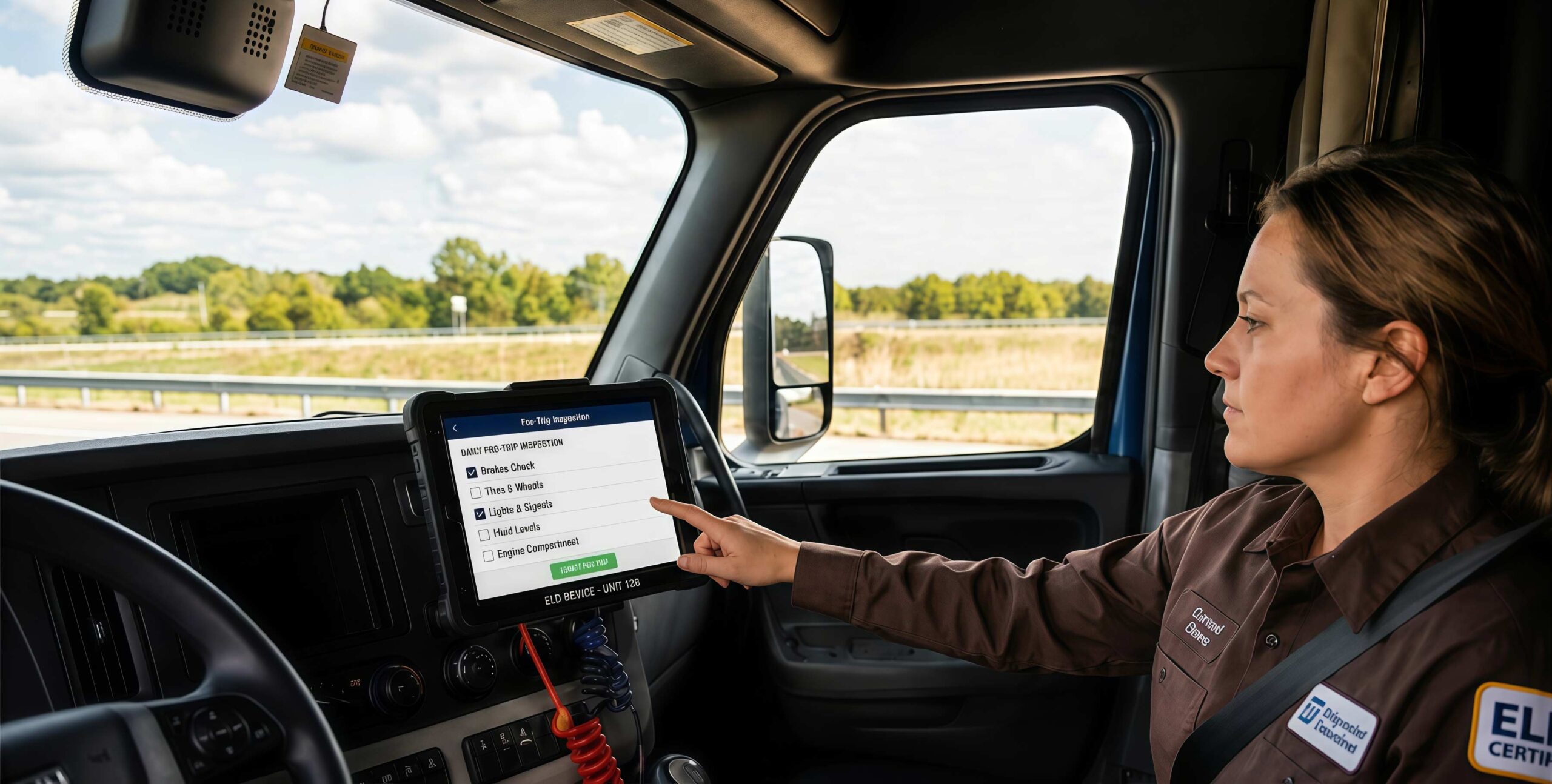
FMCSA registration is a self-certification system. Manufacturers declare that their device meets the technical specifications in the ELD rule and submit it to the agency. FMCSA does not independently test every device before it appears on the registered list. That is why revocations happen. Providers that fall behind on software updates, stop responding to agency inquiries, or fail minimum technical reviews get removed. On May 20, 2026 alone, FMCSA pulled 12 devices in a single action, including 888 ELD, Dragon ELD, Action ELD, Mondo ELD HOS, First ELD, First ELD V2.0, MTL ELD, USPower ELD, Sam Freight ELD, DSGELOGS, Cobra ELD, and GT USA ELOGS. Carriers using those devices have until July 20, 2026 to replace them.
Before you look at any other feature, go to the FMCSA registered ELD list and search the exact model name of any device you are considering. Use the model name, not just the brand name. If it is not there, walk away from that vendor. Once you confirm registration, check how long the provider has been on the list and whether they have ever been removed and re-listed. A provider with a revocation history is a risk worth weighing carefully before you commit to anything.
What Is the Difference Between Hardware and App-Based ELDs?
Hardware ELDs are dedicated physical units that mount in the cab and connect directly to the truck’s diagnostic port. App-based ELDs run on a smartphone or tablet paired with a small ECM adapter. Both formats can be fully FMCSA-compliant. The right choice depends on your fleet’s size, how your drivers are assigned to vehicles, and how you want to manage devices across your operation.
Hardware Units
Hardware units plug into the truck’s J1939, J1708, or OBD-II diagnostic port and include a fixed display. They stay with the vehicle, which means every driver who gets into that truck uses the same setup. This works well for operations where trucks rotate between drivers, where team driving is common, or where you want to remove the risk of a driver arriving without their phone. The Geosavi ELD connects via J1939, J1708, or OBD-II and runs on an SAE J1455 certified tablet built to handle the temperature ranges, vibration, and humidity levels found inside a working commercial truck cab.
App-Based Systems
App-based ELDs run on a smartphone or fleet-issued tablet and pair with a Bluetooth or wired adapter connected to the ECM port. They can be faster to deploy across a large fleet because you are activating software accounts rather than installing hardware in every cab. When a driver leaves, you deactivate their account rather than recovering hardware. The tradeoff is that cellular coverage, phone battery life, and whether the driver brought their device all become part of your compliance picture. A driver whose phone dies on the road with a DOT officer approaching is in a situation that a fixed hardware unit would have prevented.
What Features Should You Look for Beyond Basic Compliance?
Every registered device on the FMCSA list meets the same legal floor, but what separates a useful ELD from a frustrating one is what it does for your dispatchers, your back office, and your drivers between inspections.

Real-Time HOS Visibility for Dispatch
Your dispatchers need to see how many hours your drivers have remaining before making a load assignment. An ELD that gives dispatch a live view of each driver’s remaining drive time and current duty status reduces the chance of pushing a driver past their legal limit. This is one of the most direct ways your ELD connects to day-to-day HOS violation prevention.
DVIR Integration
Pre-trip and post-trip Driver Vehicle Inspection Reports are required under 49 CFR 396.11. When your DVIR lives inside the same platform as your ELD, your back office can see a defect reported in one city before that truck rolls out of another yard. Our article on ELD and DVIR integration explains how this connection reduces both maintenance gaps and compliance exposure.
IFTA Mileage Tracking
If your drivers cross state lines, every mile needs to be recorded by state for International Fuel Tax Agreement reporting. An ELD that captures mileage by state automatically removes most of the manual work at quarterly IFTA filing time. Ask any vendor to demonstrate this feature directly rather than accepting a line on a spec sheet.
Data Retention
Under 49 CFR 395.8(k)(1), your ELD records must be kept for a minimum of six months. Your provider must guarantee storage and retrieval for that full period. Ask specifically what happens to your historical logs if you cancel service before that window closes.
Malfunction Handling
Under 49 CFR 395.34, if your ELD malfunctions, your driver must note it and switch to paper logs immediately. Your fleet has eight days to repair or replace the device under 49 CFR 395.34(d)(1). Ask vendors how fast they ship a replacement unit and what the in-cab instruction packet looks like for a driver who needs to move to paper mid-trip.
Why Does Driver Experience Affect Your Compliance Results?
If your drivers cannot operate the ELD correctly, your compliance record suffers whether or not the errors are intentional. A device that is confusing to use is a compliance liability, not just an inconvenience.
HOS violations reached more than 500,000 in 2025, according to RigDig data cited by Overdrive in April 2026. A significant share of those violations come from log errors rather than deliberate falsification. Drivers who cannot quickly change duty status, who misread unidentified driving prompts, or who struggle to transfer logs during a roadside stop generate violations that land on your fleet’s record in the FMCSA Safety Measurement System.
Before committing to any ELD, put your drivers in front of a live demo. Have a driver run through an actual shift: log in, change duty status, complete a DVIR entry, and pull up an inspection-ready log summary. Watch how long it takes and where confusion happens. Ask whether the interface is available in Spanish or any other language your drivers use. A device a driver can operate correctly under pressure at a roadside stop is worth more than one packed with features they never figure out.
The CVSA’s 2026 International Roadcheck ran May 12 to 14, 2026, with ELD tampering as the named driver focus. Falsification of records of duty status was the second most-cited driver violation in 2025, at 58,382 violations, according to CVSA’s 2026 Roadcheck announcement. That puts real pressure on your device’s usability, not just its registration status.
What Should You Know About Contract Terms Before Signing?
The monthly per-vehicle fee is the smallest number in the actual cost of ownership. Contract length, early termination clauses, hardware costs, and hidden fees change the real figure by a wide margin.

Contract Length
Some national ELD providers require two- or three-year commitments. That is manageable if the device performs as expected. It becomes a problem if the provider gets acquired, the software falls behind, or your fleet size changes. Before signing, get the early termination fee in writing, find out whether it applies per vehicle, and confirm what happens to your log data if you leave early.
Hardware Costs
Some providers offer free hardware with a service contract. Others charge $200 to $600 per unit upfront. Run the math across 24 months before assuming free hardware is the better deal. A lower monthly rate on paid hardware often comes out ahead over that period. Also clarify installation requirements. Plug-and-play adapters take 15 to 30 minutes per truck. Hardwired units may need a certified installer and take longer.
Hidden Fees
Common charges that do not appear in the headline monthly price include per-vehicle activation fees, per-call support charges after a free period, data overage fees on cellular plans, additional fees for IFTA reporting or DVIR, and charges to export historical data after cancellation. Ask for a written breakdown of every fee before you sign anything.
Support Availability
Your drivers work nights, weekends, and holidays. A provider whose support line closes at 5 PM on weekdays is unavailable during a large portion of the hours your fleet operates. Confirm whether support is 24/7, whether it includes phone support or only email, and read reviews that specifically mention how support responded during a malfunction. Use our ELD price calculator to get a total cost breakdown for your fleet size before comparing vendor quotes.
How Do You Know If an ELD Will Work With Your Other Systems?
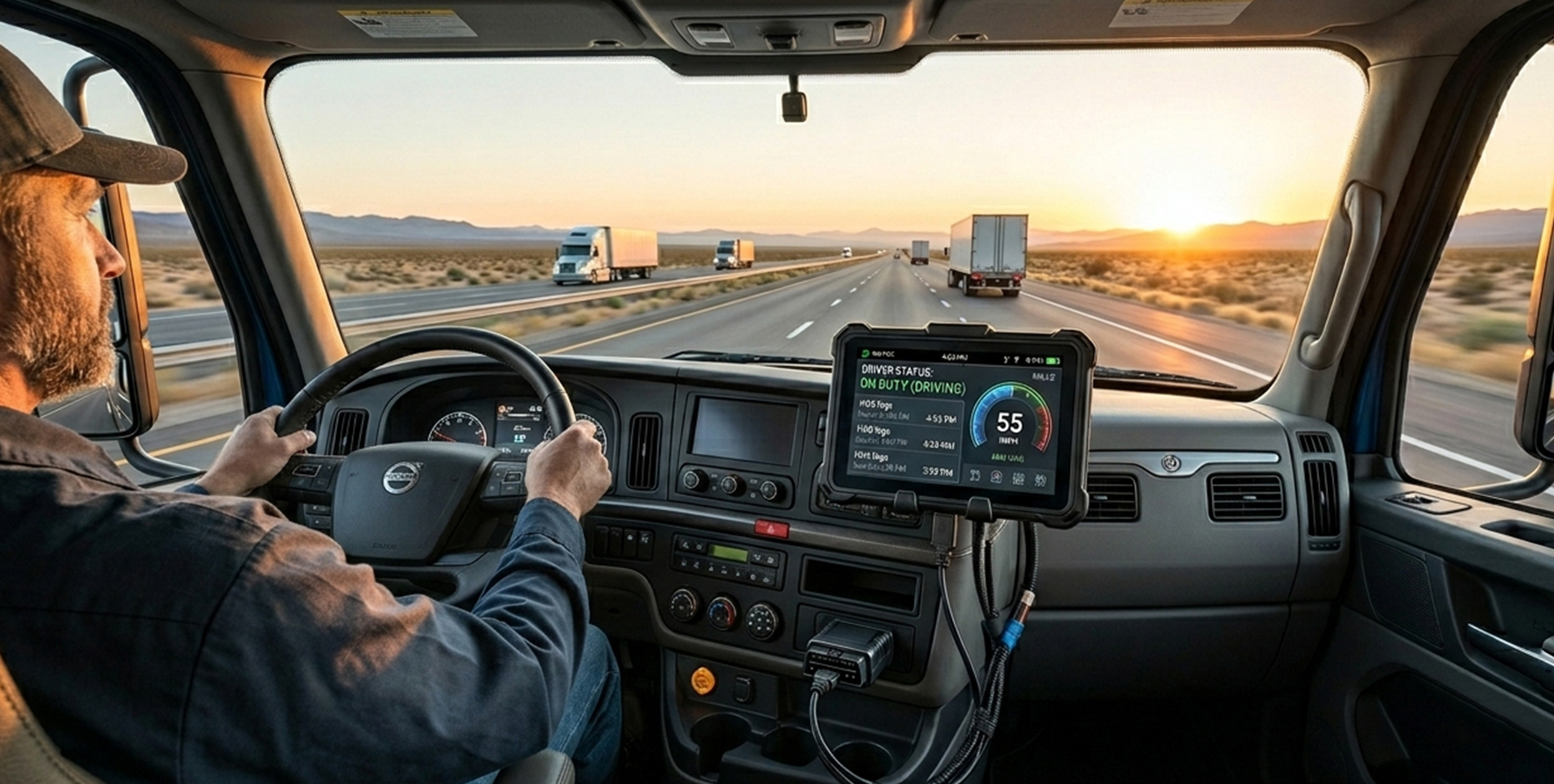
An ELD that does not connect to your dispatch, maintenance, or fuel tax systems creates manual re-entry work and opens compliance gaps. If your ELD operates as a standalone tool, your dispatcher cannot see driver hours in the load management platform, your maintenance team does not receive fault codes from the vehicle, and your accountant transfers mileage data by hand at every IFTA filing.
Confirm the following integrations before committing to any provider:
Transportation Management System
Does the ELD push driver location and HOS data into your TMS automatically, or does your dispatcher need to check two separate screens to get a complete picture?
Fuel tax reporting
Can mileage by state be exported in a format your IFTA software or accountant can use directly, without manual reformatting?
Maintenance scheduling
Can engine fault codes and hour readings from the ELD feed into your maintenance system to trigger service reminders before a breakdown happens?
Smaller fleets that do not yet run a TMS may benefit more from a provider that bundles dispatch visibility, HOS compliance, and DVIR in one platform. Larger operations with existing enterprise software should ask for API documentation and confirm data format compatibility before signing.
Hardware Device vs. App-Based System
| Factor | Dedicated Hardware Unit | App-Based ELD |
|---|---|---|
| Upfront cost | $200 to $600 per unit | Adapter $50 to $150; driver uses issued or personal device |
| Installation time | 1 to 3 hours; may need certified installer | 15 to 30 minutes plug-and-play per vehicle |
| Driver familiarity | Learning curve with dedicated display and buttons | Familiar smartphone or tablet interface |
| Cellular dependency | Built-in SIM on most units | Depends on driver’s phone plan or fleet data plan |
| Fleet standardization | High-identical setup across all vehicles | Lower if drivers use personal devices of varying types |
| Software updates | Pushed remotely by vendor | App store updates; can lag if driver delays installation |
| Device replacement | Vendor ships replacement; driver uses paper logs under 49 CFR 395.34 | Swap phone or tablet, re-pair adapter |
| Best suited for | Shared vehicles, team drivers, relay ops, high-turnover fleets | Owner-operators, small fleets with low device turnover |
Questions to Ask Before You Choose an ELD Provider
Is this exact device model currently on the FMCSA registered list?
Do not take the vendor’s word for it. Go to the FMCSA registered ELD list and search the specific model name yourself. Registration status can change without any notice to buyers. Confirm it before any other conversation takes place.
What happens if your device gets removed from the FMCSA list?
Ask whether the vendor will notify you immediately, how long a replacement takes to ship, and whether fees will be waived if a revocation forces the hardware change. A provider that cannot answer this question directly has not thought through what their customers face when a removal happens.
Is the device compatible with your specific vehicles?
Not every ELD works with every truck. Geosavi connects via J1939, J1708, or OBD-II. Ask any vendor to confirm compatibility with your specific vehicle models and years before any hardware ships.
Is support available 24 hours a day, seven days a week?
Ask whether support is truly available around the clock or whether after-hours contact is limited to email or an automated system. Ask specifically about response times during a malfunction when a driver needs to shift to paper logs with a DOT officer at the window.
What is the total cost per vehicle over 24 months?
Ask the vendor for a written 24-month cost breakdown per vehicle covering hardware, monthly service fees, activation fees, data fees, and any charges for IFTA reporting, DVIR, or support beyond the free tier. Compare this number across vendors rather than the monthly headline price alone.
What are the contract length and exit terms?
Ask for the early termination fee in writing before agreeing to anything verbally. Confirm what happens to your historical log data if you cancel. Under 49 CFR 395.8(k)(1), your records must be kept for six months, and you remain responsible for that access even after switching providers.
How does the device handle a malfunction in the field?
Ask the vendor to walk you through the malfunction process step by step. Under 49 CFR 395.34(a)(1), the driver must note the malfunction. Under 49 CFR 395.34(d)(1), you have eight days to repair or replace. Ask how fast a replacement ships and what the in-cab instruction packet looks like for drivers moving to paper mid-trip.
Can you access your log data after cancellation?
Some providers restrict access to historical data after cancellation or charge an export fee. Confirm in writing that you can export all driver logs at any time, including after the contract ends.
Common Questions About ELDs and Compliance
What does an ELD actually record?
An ELD connects to your truck’s engine control module and automatically records driving time, duty status changes, engine hours, vehicle miles, and location data. Under 49 CFR Part 395, this data replaces paper logbooks for covered drivers and must be available to enforcement officers on demand. The device stores records for the current 24-hour period plus the previous seven consecutive days.
What happens during a roadside inspection?
Your driver must transfer logs to the enforcement officer either by telematics (web services or email) or locally via USB or Bluetooth. The officer can also view logs on the device screen without entering the vehicle. The ELD user manual must be in the cab under 49 CFR 395.22(h) so the driver can demonstrate the transfer process if needed.
What happens if the ELD malfunctions on the road?
Under 49 CFR 395.34(a)(1), your driver must note the malfunction and switch to paper logs immediately. Your fleet has eight days to repair or replace the device under 49 CFR 395.34(d)(1). Paper logs kept during the malfunction period must accurately reconstruct the driver’s records and must be signed.
Can a driver edit their ELD logs?
Yes, with restrictions. Under 49 CFR 395.30, drivers and carriers can make edits with written annotations explaining the reason, but the original record must be preserved. Driving time cannot be edited under any circumstances.
How long must ELD records be kept?
Six months minimum under 49 CFR 395.8(k)(1). This applies to electronic records, supporting documents like fuel receipts and toll records, and any paper logs kept during malfunction periods.
Does the ELD mandate apply to all commercial trucks?
No. Vehicles with engines manufactured before model year 2000 are exempt under 49 CFR 395.8(a)(1)(iii). CDL drivers meeting all short-haul exemption conditions under 49 CFR 395.1(e)(1) are also exempt. Drivers using paper logs for eight days or fewer in any 30-day period qualify under 49 CFR 395.8(a)(1)(ii). Our local drivers log books guide covers these exemptions in more detail.
What did the CVSA 2026 Roadcheck focus on?
The CVSA’s 2026 International Roadcheck ran May 12 to 14, 2026, with ELD tampering as the named driver focus area. Officers inspected devices for signs of manipulation and checked log accuracy against supporting documents. Falsification of records of duty status was the second most-cited driver violation in 2025, at 58,382 violations, according to CVSA’s 2026 Roadcheck announcement. Your device needs to produce clean, accurate logs and your drivers need to operate it correctly under that level of scrutiny.
Common Questions About Choosing the Right ELD Provider
What is the difference between a registered ELD and a compliant operation?
A registered ELD is a device that appears on FMCSA’s registered list. A compliant operation means your fleet is using that device correctly: drivers are logging accurately, records are retained for six months, in-cab materials are present, and logs are ready for transfer during inspections. A registered device does not automatically produce a compliant operation, both have to be in place.
How do I verify that a device is currently registered?
Go to the FMCSA registered ELD list and search the specific model name. Do not rely on vendor marketing material. The list updates when devices are revoked, and carriers are responsible for confirming their device remains listed. Signing up for email updates directly through FMCSA means you receive a notification each time the list changes.
How does an ELD provider get removed from the FMCSA list?
FMCSA removes providers that fail to maintain minimum technical requirements, stop responding to agency inquiries, or whose devices fail to perform to the certified standard. Revocations do not follow a fixed schedule. When a device is removed, carriers have 60 days to replace it or face citation under 49 CFR 395.8(a)(1) and a potential out-of-service order.
What should I do if my current ELD was just removed?
Start the replacement process immediately. Waiting until the 60-day deadline creates risk if hardware takes time to ship, install, and train drivers on. If you need guidance on managing the transition, contact our support team directly.
Does fleet size affect which ELD fits best?
Yes. Owner-operators with one or two trucks typically do best with straightforward app-based setups with low monthly costs and no long contracts. Fleets running 20 or more vehicles benefit from centralized dashboards, multi-driver management, IFTA reporting, and DVIR integration in one platform. Be cautious of vendors pushing enterprise features that a 10-truck operation will never use. You pay for those features either way.
How do HOS violations affect my fleet’s compliance record?
HOS violations are tracked by the FMCSA Safety Measurement System using a 24-month rolling window for carrier scoring. Repeated violations can trigger a compliance review regardless of fleet size. Your drivers’ violations also appear on their Pre-employment Screening Program records for 36 months. An ELD with clear HOS alerts and a usable interface directly reduces the logging errors that create those violations.
Does Geosavi offer a trial or money-back guarantee?
Yes. Geosavi offers a 30-day money-back guarantee and 24/7 technical support. If you have questions before purchasing, contact us directly.
What diagnostic connections does Geosavi support?
The Geosavi ELD connects via J1939, J1708, or OBD-II, covering the full range of connection types used in commercial trucks. The tablet is SAE J1455 certified, rated for the temperature ranges, vibration, and humidity found inside a working truck cab.
Conclusion
The ELD you put in your trucks shapes how quickly your drivers pass a roadside inspection, how well your HOS records hold up in a DOT audit, and how much manual work lands on your back office every week. With 79 devices removed since January 2025, provider stability is now part of that evaluation in a way it simply was not a few years ago.
The questions that matter before you buy are not complicated: Is the device currently registered? Can your drivers use it correctly under pressure? Do the contract terms make sense for how your fleet may change? Will support be there when your driver calls at 2 AM? Getting clear, written answers to each of those questions before signing protects your operation from the compliance exposure that comes with making the wrong call.
To see how we handle each of those areas, visit our ELD platform or use the price calculator to get a cost breakdown matched to your fleet before you make any commitment.