Key Takeaways
- Fleet management tools bring vehicle location, driver activity, maintenance, fuel, and operational data into one system.
- Their main uses include dispatching, route planning, fuel control, preventive maintenance, driver safety, fleet utilization, customer updates, and compliance reporting.
- The software creates value when managers use alerts and reports to take action, not simply collect more data.
- Hours-of-service records require an appropriate electronic logging device (ELD); general fleet software alone is not automatically an ELD.
- The best system is one that fits the fleet’s vehicles, workflows, coverage area, reporting needs, and implementation capacity.
Fleet management tools help businesses coordinate vehicles, drivers, maintenance, and daily work from a shared platform. Instead of relying on phone calls, paper records, or disconnected spreadsheets, managers can use current vehicle data and automated alerts to make faster decisions.
The most useful platforms combine GPS tracking, telematics, maintenance scheduling, driver-performance information, and reporting. The exact capabilities vary by system, so businesses should match the tool to the problems they need to solve.
What Are Fleet Management Tools?
Fleet management tools are software and connected devices used to monitor and coordinate commercial vehicles and mobile assets. A platform may receive data from GPS units, vehicle gateways, cameras, sensors, fuel systems, maintenance records, and ELDs. It then presents that information through maps, dashboards, alerts, and reports.
These tools support decisions across dispatch, safety, maintenance, finance, and compliance. They do not replace fleet policies or professional judgment. Their role is to give the right people timely, usable information about what is happening across the fleet.

Main Uses of Fleet Management Tools
Most fleets do not need every available feature. The following uses address the operational problems that fleet managers encounter most often.
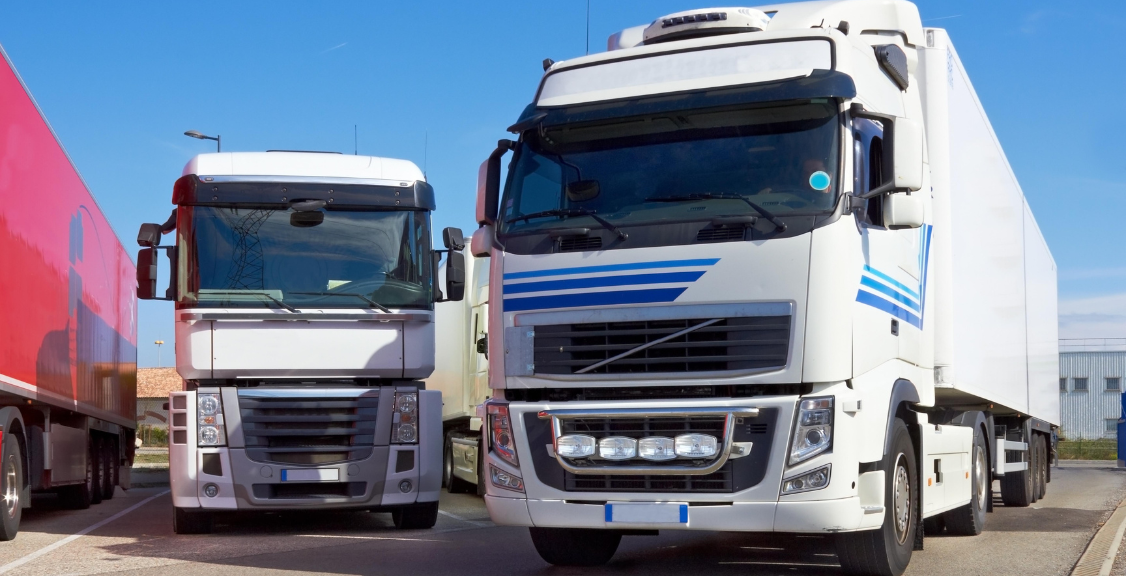
1. Real-Time Vehicle Tracking and Dispatch
GPS tracking shows where connected vehicles are and whether they are moving, stopped, or outside an expected area. Dispatchers can identify the nearest suitable vehicle, respond to delays, and verify arrival or departure times without repeatedly calling drivers.
Location history can also help managers review completed routes, investigate service questions, and identify recurring bottlenecks. Tracking frequency and availability depend on the device, cellular or satellite coverage, and platform settings.
2. Route Planning and Schedule Management
Fleet software can compare vehicle locations, job assignments, road conditions, and delivery windows to support more practical routes. Better planning can reduce unnecessary mileage and help dispatchers adjust when traffic, weather, cancellations, or urgent work disrupts the schedule.
The system should support the dispatcher rather than promise a perfect route. Vehicle restrictions, customer requirements, driver availability, and real-world conditions still need human review.
3. Fuel Use and Idling Control
Telematics data can reveal extended idling, inefficient routes, excessive speed, and other patterns that may increase fuel consumption. Managers can compare trends by vehicle, route, or team and focus coaching or operational changes where they are most useful.
Fuel-card integration may add purchase details and help flag unusual transactions. Savings depend on accurate data and consistent follow-through; installing a system by itself does not reduce fuel use.
4. Preventive Maintenance and Vehicle Health
Maintenance tools can schedule service by mileage, engine hours, time, or inspection results. Alerts help teams act before a routine service item is missed, while diagnostic information may provide early warning of developing vehicle problems.
A centralized maintenance history also makes it easier to see repeat repairs, compare vehicle costs, and decide when an asset is becoming unreliable. Learn more about the core practices in this guide to basic fleet management.
5. Driver Safety and Coaching
Depending on the installed hardware, fleet tools may identify speeding, harsh braking, rapid acceleration, seat-belt events, or other driving patterns. Managers can use those trends to guide coaching and recognize improvement over time.
Context matters. A single alert does not always explain why an event occurred. Pairing telematics with video telematics can provide additional context for safety reviews, but fleets should establish clear access, retention, and privacy policies.
6. Fleet Utilization and Asset Planning
Utilization reports show which vehicles are active, underused, unavailable, or spending too much time idle. That information can improve assignments and help businesses decide whether to redeploy, replace, or retire assets.
Reliable utilization data is especially useful during budgeting. It gives decision-makers evidence for acquisition and disposal decisions instead of relying only on vehicle counts or anecdotal demand.
7. Customer Service and Proof of Activity
Current location and job-status data can help teams provide more realistic arrival windows and notify customers when plans change. Historical records may also help confirm that a vehicle reached a job site or completed an expected route.
These capabilities can reduce status calls and give service teams a consistent source of operational information. They work best when customer-facing estimates account for normal uncertainty rather than presenting a precise prediction as a guarantee.
8. Compliance and Operational Reporting
Fleet tools can centralize inspection records, maintenance documentation, vehicle activity, and other information used in audits or internal reviews. For regulated motor carriers, HOS functionality should be described precisely: an engine-synchronized ELD records driving time and supports records of duty status, while ordinary GPS or telematics software is not automatically a compliant ELD.
FMCSA explains that an ELD synchronizes with the vehicle engine to record driving time. Fleets subject to the ELD rule should confirm that the specific device is registered with FMCSA and appropriate for their operation. Geosavi’s guide to hours-of-service rules provides additional background.
How Fleet Management Tools Improve Operational Efficiency
Fleet technology improves efficiency by shortening the gap between an event and a useful response. A dispatcher sees a delay and reassigns work. A maintenance alert creates a service task. An idling report prompts route or coaching changes. A utilization report informs the next budgeting decision.

A practical improvement cycle looks like this:
- Define the operational problem. Examples include late arrivals, excessive idling, missed maintenance, or poor asset utilization.
- Select a meaningful measure. Track a small number of metrics tied to that problem.
- Assign ownership. Decide who reviews alerts and who is responsible for follow-up.
- Take a consistent action. Build the response into dispatch, maintenance, coaching, or management workflows.
- Review the result. Compare trends over time and adjust the process when needed.
This approach prevents dashboards from becoming passive data displays. It also helps managers distinguish between activity metrics and business outcomes.
Benefits of Fleet Management Software

- Better visibility: Managers can see vehicle status, assignments, and exceptions from one system.
- More efficient dispatch: Current location and availability data supports faster assignment decisions.
- Lower avoidable operating costs: Mileage, idling, fuel, and maintenance trends can reveal opportunities for improvement.
- Less unplanned downtime: Preventive maintenance alerts make service needs easier to schedule.
- Stronger safety processes: Consistent event review can support targeted coaching and follow-up.
- More useful reporting: Standardized records reduce time spent combining information from separate sources.
- Improved customer communication: Operations and service teams can work from the same job and vehicle information.
Benefits vary by fleet size, operating model, hardware, data quality, and adoption. A focused deployment with clear responsibilities is more valuable than a feature-heavy platform that teams do not use consistently.
Limitations and Implementation Risks

Upfront and Ongoing Costs
Hardware, installation, subscriptions, training, cellular service, and integrations all affect total cost. Compare the full operating cost with the specific problems the system is expected to solve.
Connectivity and Data Gaps
Live updates may be delayed in areas with poor network coverage. Some devices store data and upload it after reconnecting, but capabilities vary. Fleets operating in remote areas should test coverage and store-and-forward behavior before rollout.
Training and Workflow Adoption
Alerts do not create accountability on their own. Dispatchers, managers, technicians, and drivers need clear procedures for reviewing and acting on information. Too many poorly configured alerts can cause important events to be ignored.
Privacy and Security
Vehicle location, driver-performance information, and video can be sensitive. Businesses should limit access, define appropriate retention periods, use strong account controls, and communicate monitoring policies clearly.
Integration and Data Quality
Vehicle identifiers, driver assignments, odometer values, and system integrations must be maintained. Inaccurate source data produces unreliable reports, even when the software is working as designed.
How to Choose the Right Fleet Management Tools
Start with operational requirements instead of a long feature list. A useful evaluation should address:
- fleet size, vehicle types, and operating regions;
- the highest-priority problems and the measures used to evaluate improvement;
- GPS, telematics, camera, maintenance, fuel, and ELD requirements;
- cellular coverage and offline data behavior;
- integration with dispatch, payroll, maintenance, or other business systems;
- reporting, permissions, retention, and data-export needs;
- installation, training, support, and total cost;
- the vendor’s security practices and product support;
- for regulated fleets, whether the selected ELD model is currently registered with FMCSA.
A pilot with a representative group of vehicles can expose coverage, hardware, reporting, and workflow issues before a full rollout. This guide to the tools, skills, and resources needed for effective fleet management can help teams prepare.

Turn Fleet Data Into Better Decisions
The main uses of fleet management tools are practical: locate vehicles, coordinate work, reduce avoidable mileage and idling, schedule maintenance, support safer driving, improve utilization, document activity, and simplify reporting. The strongest results come from choosing the right capabilities and building them into daily operations.
Geosavi offers fleet visibility, GPS tracking, video telematics, and ELD solutions for businesses that need clearer operational information. Review our guide to fleet management solutions or contact Geosavi to discuss the needs of your vehicles, drivers, and workflows.