Key takeaways
- Vehicles, trailers, equipment, phones, tablets, wearables, boats, motorcycles, and many other assets can be tracked when they have a built-in location system or an attached tracker.
- GPS determines a receiver’s location, but a tracking service usually needs cellular, satellite, Wi-Fi, or another connection to send that location to someone else.
- Bluetooth item tags are not the same as standalone GPS trackers. They generally depend on nearby compatible devices to report their location.
- Update frequency, coverage, battery life, installation, data security, and consent matter as much as the device category.
- No tracker guarantees continuous visibility or recovery. Buildings, indoor locations, power loss, weak network coverage, and device removal can interrupt tracking.
What Devices Can Be Tracked with GPS?
Almost any moving vehicle, powered device, or valuable asset can be tracked if it has a GPS receiver or can carry a compatible tracking unit. Common examples include cars, trucks, trailers, construction equipment, smartphones, tablets, smartwatches, boats, motorcycles, RVs, and high-value portable assets.
The important distinction is that GPS positioning and remote tracking are not the same function. A GPS receiver listens to satellite signals and calculates its position. To show that position in a fleet portal or mobile app, a tracker must also store the data or send it through a communication network. The official GPS overview explains that GPS receivers calculate position and time from satellite signals; the satellites do not monitor the receiver or send its location to a tracking account.
That means the practical answer is not simply whether an object “has GPS.” It is whether the device has location hardware, power, an appropriate reporting method, and software that an authorized user can access.
GPS Receivers, GPS Trackers, and Bluetooth Tags
Products described as tracking devices often use different technologies:
- GPS receiver: calculates its own location from satellite signals. A navigation unit can do this without sending the position anywhere.
- Connected GPS tracker: combines positioning with cellular or satellite communication so a platform can display current or recent locations.
- GPS logger: records locations locally for later download instead of transmitting every update.
- Phone or computer location service: may combine GPS, Wi-Fi, cellular, Bluetooth, and account-based device-finding features.
- Bluetooth item tag: broadcasts a short-range signal that nearby compatible devices can detect and relay through a crowd-sourced finding network. It is not necessarily a GPS device.
For a deeper explanation of positioning and reporting, see how GPS tracking works with and without an internet connection.
Devices and Assets Commonly Tracked
Cars, Trucks, Vans, and Fleet Vehicles
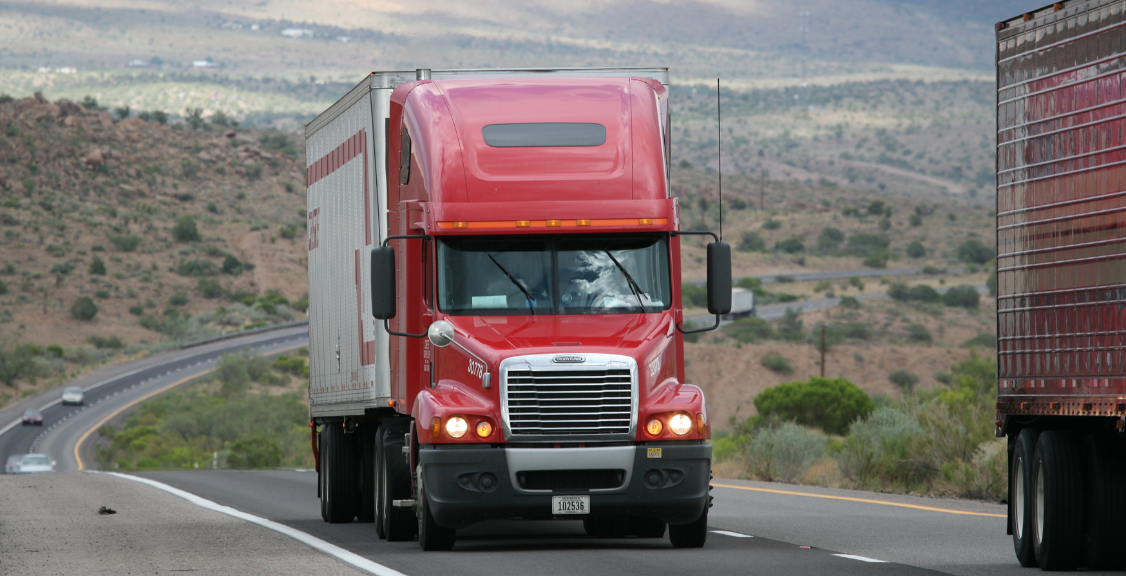
Road vehicles are among the most common tracking applications. Depending on the hardware and service, a vehicle tracker may report location, trip history, ignition status, mileage, geofence activity, or vehicle data. Commercial fleet systems may use a hardwired device, an engine-port device, an original-equipment connection, or a telematics gateway.
Tracking capabilities vary by vehicle, hardware, installation, subscription, and platform. A buyer should confirm how often locations update, what happens when cellular service is unavailable, and whether the device can store records for later upload.
Trailers, Heavy Equipment, and Mobile Assets
Trailers, generators, construction machinery, agricultural equipment, containers, and other mobile assets can carry purpose-built trackers. Powered assets may support frequent reporting, while unpowered assets often use battery-operated or solar-assisted devices with longer reporting intervals to conserve energy.
The right configuration depends on how the asset is used. A trailer that moves daily may need different power, mounting, and update settings from equipment that remains at one site for months.
Smartphones, Tablets, and Wearables
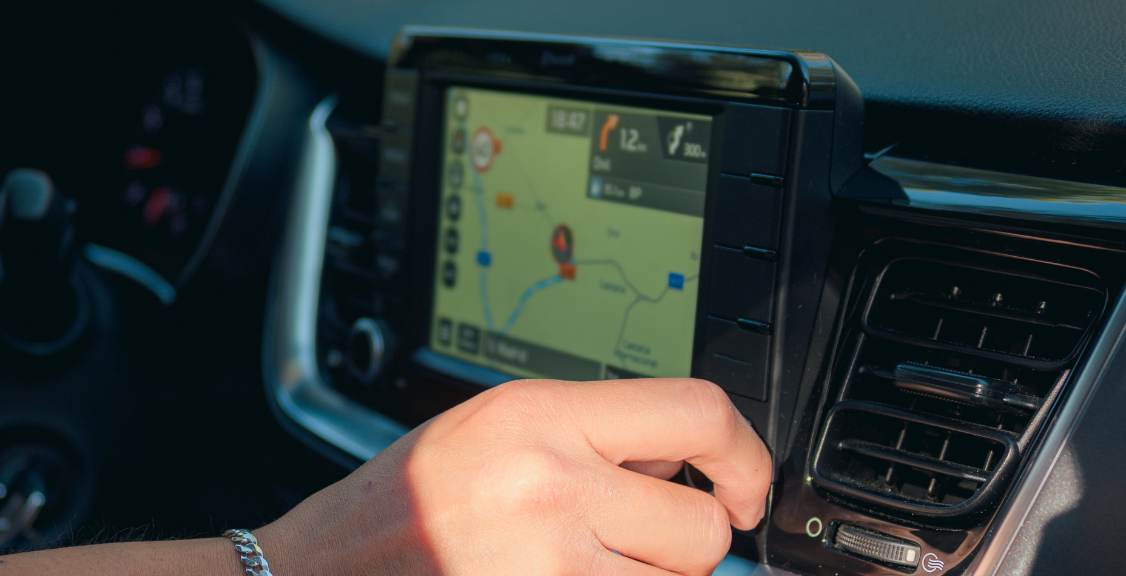
Most modern smartphones and many cellular tablets and smartwatches can determine location with built-in satellite and network-assisted services. Device-finding apps, navigation tools, family-sharing features, and workforce applications can make that location available to an authorized account.
Availability depends on settings, permissions, power, connectivity, and the service being used. A disabled, discharged, offline, or reset device may show only a last known location or no useful location at all.
Laptops and Computers
Laptops are trackable only under the right conditions. Some models include satellite-location or cellular hardware, but many do not. Operating-system recovery services may instead estimate a laptop’s location from Wi-Fi networks, internet connections, or the last location associated with the device.
An external tracker can be attached to a laptop case or equipment bag, but the tracking technology should be described accurately. A Bluetooth tag that relies on nearby phones is not equivalent to a self-reporting GPS and cellular tracker.
Boats, Motorcycles, RVs, and Specialty Vehicles
Motorcycles, recreational vehicles, boats, and other specialty vehicles can use installed or portable trackers. Buyers should consider weather resistance, vibration, antenna placement, battery drain, network coverage, and whether the equipment is suitable for the operating environment.
Tools, Cargo, and High-Value Equipment
Portable tools, cargo, cases, and valuable equipment may be monitored with compact asset trackers, Bluetooth tags, or devices that combine multiple location methods. The best choice depends on the item’s value, movement pattern, available power, expected coverage, and the level of location detail required.

Pets and Personal Safety Devices
Purpose-built pet collars, medical alert devices, and personal safety wearables may include location features. These products require particular attention to battery life, coverage, fit, emergency procedures, and the manufacturer’s stated limitations.
Location technology should not be used to monitor another person secretly. Use clear policies, appropriate notice or consent, access controls, and applicable legal guidance whenever location data relates to employees, family members, customers, or other individuals.
Keys, Bags, and Luggage
Keys, backpacks, wallets, and luggage are often paired with Bluetooth item tags. These tags can be useful, but their location may update only when a compatible device passes nearby. Apple describes its Find My network as a crowd-sourced network in which nearby devices detect a Bluetooth accessory and report an approximate location. Google likewise describes tracker tags as small Bluetooth devices and provides alerts intended to reduce unwanted tracking.
GPS Tracking Options at a Glance
| Device or asset | Typical location method | How location is reported | Main constraint to evaluate |
|---|---|---|---|
| Fleet vehicle | GPS or multi-constellation satellite receiver | Cellular, satellite, or stored data | Coverage, installation, and update interval |
| Trailer or powered equipment | Installed asset tracker | Cellular, satellite, or store-and-forward | Power source and environmental durability |
| Unpowered asset | Battery or solar asset tracker | Usually periodic cellular or satellite updates | Battery life versus reporting frequency |
| Phone, tablet, or watch | GPS plus network-assisted location | Device-finding or authorized tracking app | Permissions, account security, power, and connectivity |
| Laptop | Wi-Fi, network, or optional location hardware | Operating-system service or attached tracker | Many laptops do not contain a GPS receiver |
| Keys, bag, or luggage | Bluetooth tag or compact tracker | Nearby crowd network or dedicated connection | Not all item tags provide independent GPS tracking |
What Affects GPS Tracking Accuracy and Availability?
GPS does not provide the same accuracy in every environment. According to GPS.gov’s accuracy guidance, results depend on satellite geometry, signal blockage, atmospheric conditions, and receiver quality. Buildings, bridges, trees, indoor locations, underground areas, and reflected signals can reduce accuracy.
A tracking platform introduces additional variables. Even when the receiver calculates a valid position, the user may not see it immediately if the tracker has weak cellular coverage, a long reporting interval, low battery power, or a delayed connection. Map data can also be wrong even when the coordinates are accurate.

How to Choose the Right Tracking Method
Start with the object and the decision you need the data to support. Then evaluate the complete tracking workflow:
- Define the asset: identify its size, value, movement, operating environment, and available power.
- Choose the required visibility: decide whether you need occasional recovery updates, trip history, geofence alerts, or frequent operational monitoring.
- Confirm coverage: compare cellular, satellite, Wi-Fi, and Bluetooth-network availability where the device will operate.
- Balance updates and battery life: more frequent reporting generally uses more power and data.
- Review installation: confirm mounting, antenna placement, tamper resistance, weather protection, and compatibility.
- Check data controls: review user permissions, retention, exports, security practices, and procedures for removing access.
- Address privacy: document an appropriate purpose and provide notice or obtain consent where required.
- Compare total cost: include hardware, installation, connectivity, software, support, replacement, and contract terms.
Can Any Device Be Tracked with GPS?
No. An object must contain a suitable location receiver or carry an attached tracker. It also needs power, and remote monitoring requires a way to store or transmit the location. A standard wallet, tool, or laptop without location hardware cannot be located by GPS on its own.
It is also important to match the technology to the use case. A Bluetooth tag may help locate keys in a populated area, while a fleet vehicle may need a powered telematics device with cellular reporting and trip history. A remote asset outside cellular coverage may require store-and-forward behavior or a satellite communication option.

Choosing GPS Tracking for Vehicles and Business Assets
For business use, a successful tracking program depends on more than attaching hardware. Fleet and asset managers should define who can view data, which alerts require action, how long records are retained, and how the information connects to dispatch, maintenance, safety, or customer-service workflows.
Geosavi provides GPS tracking solutions for vehicles and business assets. Review the GPS tracking fundamentals guide, or contact Geosavi to discuss your assets, operating area, reporting needs, and installation requirements.