Key Takeaways
- Yes, a smartphone or tablet can serve as the display and user interface for an ELD when the complete solution meets the technical requirements and appears on FMCSA’s registered, self-certified ELD list.
- A generic logbook app or phone by itself is not a compliant ELD. The registered solution must obtain required vehicle data through an integral connection to the commercial motor vehicle’s engine.
- Under 49 CFR §395.22(g), a portable ELD must be fixed-mounted during CMV operation and visible to the driver from the normal seated position.
- Motor carriers should verify the exact device, model, software version, supported platform, and registration status rather than assuming any app with an ELD label is compliant.
- Drivers and carriers still have responsibilities for logging in, reviewing and certifying records, roadside transfer, required documents, malfunctions, record retention, and privacy.
Can You Use an ELD on Your Phone?
Yes. FMCSA allows an electronic logging device to use a smartphone, tablet, or other wireless device. But the phone is only one component of the solution. A compliant mobile ELD typically includes an app, a compatible phone or tablet, and hardware that connects the ELD to the vehicle’s electronic control module (ECM) or databus for required engine information.
FMCSA’s guidance states that an app may be used as an ELD when it is integrally connected to the ECM for the required data, meets the technical specifications, and is part of a solution on the registered ELD list. If the solution requires multiple components, those components must be present and available for an officer to reasonably view at roadside.
The ELD rule applies to most motor carriers and drivers who are required to maintain records of duty status (RODS), subject to specific exceptions. Drivers who qualify for an exception may have different recordkeeping obligations. Review the current ELD exemptions before deciding whether an ELD is required.
How a Phone-Based ELD Works

A mobile ELD combines vehicle data with information entered or confirmed by the driver:
- Engine-connected hardware: The solution connects to the CMV’s engine or vehicle databus. The registered configuration may use a wired or wireless link between the vehicle interface and mobile device.
- Mobile app: The driver logs in, selects duty statuses, reviews records, adds required information and annotations, certifies logs, and initiates a roadside data transfer when directed.
- Automatic records: Engine synchronization enables the ELD to capture engine power status, vehicle motion status, miles driven, and engine hours. The ELD also records other required events and data under Appendix A to subpart B of part 395.
- Display and transfer: The system must display required records and support the data-transfer methods associated with its registered configuration.
A standard timekeeping app that relies only on manual entries does not become an ELD simply because it runs on a phone. The app, compatible platform, engine-connection component, and related functions must form the registered solution.
FMCSA Requirements for a Mobile ELD
Registered and Self-Certified, Not FMCSA-Approved
Under 49 CFR §395.22(a), a carrier required to use an ELD must use a device on FMCSA’s registered list. Providers test their products, self-certify conformity, and register them. FMCSA expressly states that it does not endorse the listed devices.
Carriers should verify the exact device name, model number, software version, ELD identifier, provider, platform, and supported transfer methods. They should also monitor FMCSA’s revoked-device information because registration status can change.
Engine Synchronization
An ELD must be integrally synchronized with the CMV’s engine. FMCSA defines this as monitoring engine operation to automatically capture engine power status, vehicle motion status, miles driven, and engine hours. For a mobile setup, the phone app generally receives this information through the registered vehicle interface rather than generating it on its own.
Fixed Mount and Visibility
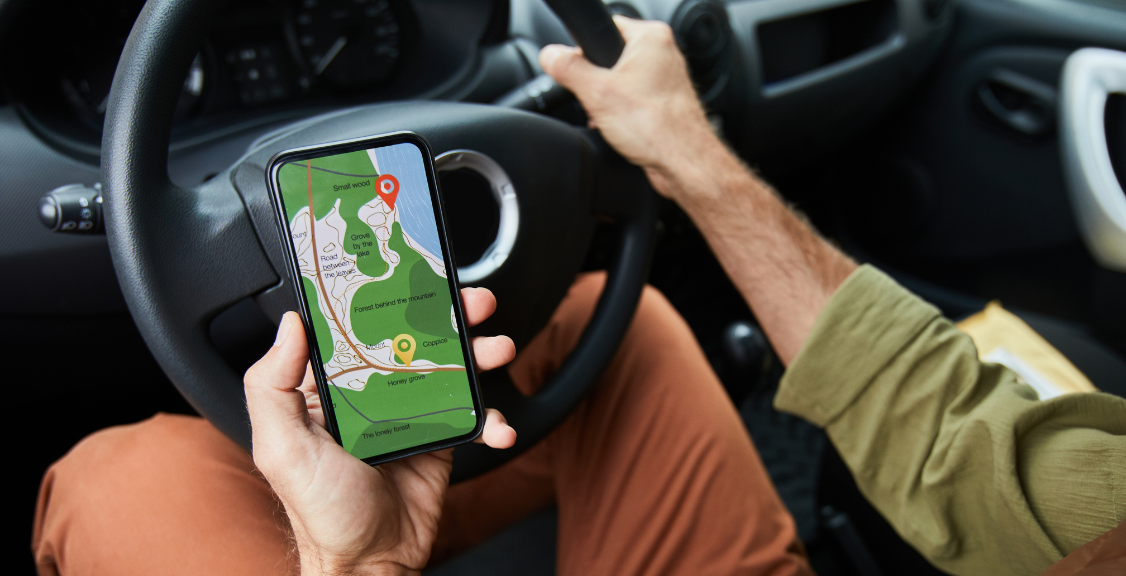
Section 395.22(g) requires a portable ELD to be mounted in a fixed position during CMV operation and visible to the driver from the normal seated driving position. Holding a phone, leaving it loose in the cab, or placing it where the driver cannot see the display does not meet that portable-device requirement.
Roadside Display and Data Transfer
The driver must be able to produce and transfer hours-of-service records when requested by an authorized safety official. A registered ELD supports the transfer option shown in its FMCSA listing, using a compliant set of telematics or local-transfer methods. Drivers should know the exact roadside process for their system before operating.
Benefits and Tradeoffs of Using a Phone

A smartphone-based system can reduce the amount of dedicated display hardware in the cab and give drivers a familiar interface. Company-issued or bring-your-own-device programs may also simplify app deployment and updates. Those benefits depend on the provider, hardware arrangement, mobile platform, and carrier policies.
Important tradeoffs include:
- Power: The device must remain available throughout the workday, so the carrier needs a reliable charging arrangement.
- Compatibility: The phone, operating-system version, app version, and engine connector must match the provider’s registered and supported configuration.
- Connection behavior: A wireless link to vehicle hardware can be convenient, but drivers need a clear process for diagnosing disconnections. Internet or cellular needs vary by solution, so carriers should verify offline recording and later transfer behavior.
- Shared or replacement devices: Moving to another phone is not automatically seamless. The replacement must be compatible, properly configured, and used according to the provider’s instructions.
- Security and privacy: Carriers need appropriate account controls, device security, access limits, and procedures for lost, replaced, or personally owned phones.
- Driver distraction: The device should be configured and mounted so drivers do not handle it while driving. Logging and administrative tasks should be completed when safely parked.
Driver and Carrier Responsibilities
Choosing a registered solution does not complete the compliance process. Drivers and carriers must use and maintain it correctly.
- Accounts and login: Carriers manage ELD accounts and must require drivers and support personnel to use their proper identification. Drivers should not share accounts.
- Driver inputs: Under §395.24, drivers enter their duty status and required information, verify vehicle and trailer details when applicable, and provide an output-file comment when directed by an authorized safety official.
- Review and certification: Drivers should review their records, make permitted edits or annotations when needed, and certify their own RODS.
- In-vehicle packet: Section 395.22(h) requires instructions for supported data transfers, malfunction reporting and recordkeeping procedures, and enough blank RODS graph-grids for at least eight days.
- Record retention: The carrier must retain ELD RODS and supporting documents for six months under §395.8(k). Section 395.22(i) also requires a six-month backup on a separate device and privacy-protective retention practices.
- Training: Drivers should be able to display and transfer records, respond to diagnostic events, certify logs, handle unidentified-driving records, and follow the malfunction process.
Internal policies should explain who supplies the phone, who pays for service, which operating systems are supported, whether personal use is allowed, how data is protected, and what happens when a device is lost or replaced.
What Happens if the Mobile ELD Malfunctions?
A drained battery, failed engine connection, app problem, or device failure may trigger a malfunction or data diagnostic event. The response is governed by 49 CFR §395.34, not simply by restarting the app and continuing.
When an ELD malfunctions, the driver must note the malfunction and provide written notice to the carrier within 24 hours. Unless the records are already possessed or retrievable, the driver must reconstruct the current 24-hour period and the previous seven consecutive days on compliant graph-grid paper logs, then continue preparing manual RODS until the ELD is serviced and compliant. The carrier generally must correct the malfunction within eight days of discovery or notice, subject to the regulation’s extension process.
For a data diagnostic event, the driver must follow the carrier’s and provider’s recommendations for resolving the inconsistency. A dependable mobile program includes accessible instructions, spare charging equipment, blank logs, and a clear support path.
How to Choose a Phone-Compatible ELD
- Confirm whether the driver is subject to the ELD rule. Apply the RODS requirements and exceptions accurately.
- Verify the exact FMCSA listing. Match the model, software version, ELD identifier, provider, mobile platform, and current registration status.
- Confirm every required component. Identify the app, ECM connector, cables or wireless interface, mount, power supply, and any other required hardware.
- Review transfer methods. Make sure drivers can follow the registered roadside transfer process and display records when required.
- Test compatibility and reliability. Evaluate supported phones, operating systems, vehicle connections, offline behavior, updates, battery use, and alerts.
- Assess security and administration. Review permissions, account management, data retention, backups, device replacement, and BYOD controls.
- Train before deployment. Drivers should practice login, duty-status changes, annotations, certification, inspections, diagnostics, and malfunctions.
A phone-based ELD can be compliant and practical, but only when the entire registered solution is installed, mounted, maintained, and used correctly. For more preparation guidance, review what to expect during an ELD compliance audit.
Discuss Mobile ELD Options with Geosavi
Geosavi’s Compliance Now ELD is listed by FMCSA as a registered, self-certified solution for supported Android phones and tablets. Registration is not an FMCSA endorsement, and carriers should confirm the current listing and compatible configuration before deployment.
Contact Geosavi to discuss phone-compatible ELD requirements, installation, training, and support for your operation.